Best AI Prompt to Create Perfect Passport Size Photo (2026 Guide)
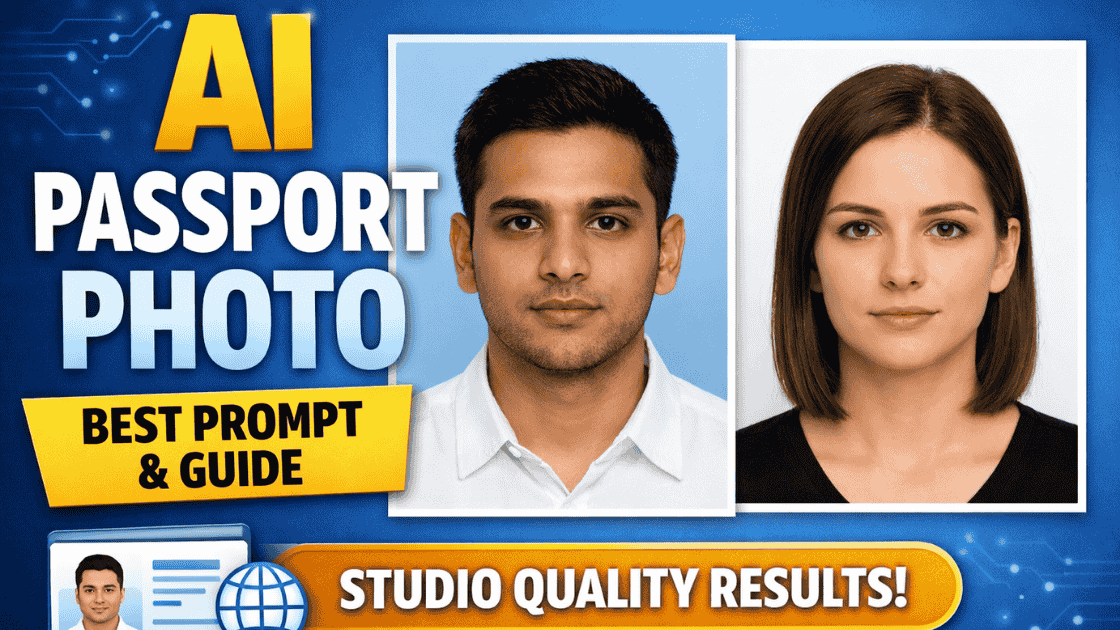
Creating a passport-size photograph no longer requires visiting a photo studio. With AI image generators like Gemini, Midjourney, DALL·E, or Leonardo, you can now generate a professional, government-compliant passport photo at home—if you use the right prompt.
In this guide, you’ll find the best universal AI prompt, usage steps, and tips to get flawless passport-size photos every time.
Why Use AI for Passport Size Photos?
- Saves time and money
- Studio-quality results at home
- Easy retakes without extra cost
- Works for passport, visa, Aadhaar, PAN, school ID, office ID
Best AI Prompt for Passport Size Photograph
Use the following prompt exactly as written for best results:
Universal Passport Photo AI Prompt
Create a professional passport-size photograph of a single person.
The subject is facing the camera directly with a neutral, natural expression.
Plain solid light background (white or light blue).
Even soft lighting with no shadows on the face or background.
Sharp focus, high resolution, realistic skin tones.
Head and shoulders visible, head centered and upright.
Mouth closed, eyes open and clearly visible.
No glasses, no accessories, no head covering (unless religious).
Natural hairstyle, well-groomed appearance.
Ultra-realistic, studio-quality photo.
3:4 aspect ratio, suitable for official passport and ID documents.
Negative Prompt (Very Important)
Always add this to avoid rejection:
No smile, no teeth visible, no makeup enhancement, no blur, no filters, no artistic style, no shadows, no text, no watermark, no background objects, no tilt, no sunglasses, no hat.
How to Generate Passport Photo Using AI (Step-by-Step)
- Open your preferred AI image generator (Gemini, Midjourney, DALL·E, Leonardo)
- Upload a clear reference photo (optional but recommended)
- Copy and paste the main prompt
- Add the negative prompt
- Set aspect ratio to 3:4
- Generate and download the image
- Crop to required size (2×2 inch or 35×45 mm)
Recommended Image Settings
- Aspect Ratio: 3:4
- Resolution: 600×800 or 1024×1365
- Style: Photo-realistic / Studio portrait
- Lighting: Soft, even, shadow-free
Government-Safe Strict Passport Prompt
Use this for maximum approval:
Official passport photograph, front-facing, neutral expression, closed mouth.
Plain white background, even lighting, no shadows.
Face occupies 70–80% of the frame.
No retouching or beauty effects.
Biometric-style ID photo, high-resolution, sharp focus.
Common Mistakes to Avoid
❌ Smiling or showing teeth
❌ Artistic filters or cinematic styles
❌ Dark or textured background
❌ Head tilted or cropped incorrectly
❌ Heavy makeup or beauty retouching
AI-generated passport photos are fast, affordable, and professional—if you use the right prompt. The prompt shared above is optimized for realism, compliance, and approval across most official documents.
👉 Bookmark this page and reuse the prompt whenever you need a passport-size photo.